Ask any gym owner in Nairobi, Mombasa or Nakuru where money leaks and they will name the same things: members who stopped paying but still come in, shared cards and a front desk too busy to check every M-Pesa message. Gym membership access control linked to M-Pesa fixes all three. Members pay, and their fingerprint or face opens the turnstile until their plan ends.
What changes at the front desk
- No more checking M-Pesa messages. Payments are picked up and matched to members automatically.
- No more shared cards. Entry is by fingerprint or face, so a membership cannot be passed to a friend.
- No more awkward conversations. An expired member is stopped by the turnstile, not by your receptionist.
- No more lost walk-in revenue. Day-pass visitors pay by M-Pesa and get access for that day only.
How pay-to-enter works
- The member pays by M-Pesa to your Paybill or till, using their member, room or house number as the account.
- The system picks up the payment automatically. There is no receipt to check and no one has to update a spreadsheet.
- The payment is matched to the right person and their plan is extended by the period they paid for: a day, a week, a month or a term.
- Access switches on. Their fingerprint, face or card now opens the door, gate or turnstile.
- They get an SMS receipt with the amount and their new expiry date.
- Before the plan ends, a reminder goes out. If they do not renew, access stops on its own when the plan expires.
Terminals keep working during internet outages and sync when the connection is back, so access changes are applied as soon as the terminal reconnects.
Plans for every member
Set up daily, weekly, monthly, quarterly and annual plans. Off-peak plans can open the gym only during quiet hours, and premium plans can include the sauna, pool or classes. Couples and corporate plans can cover several members under one payment.
Keep members coming back
Renewal reminders go out by SMS before a plan expires, and members who have not trained in a while can get a "we miss you" message. See SMS for gyms and fitness centres for sample messages.
Know your numbers
The dashboard shows active and expired members, payments, daily check-ins and peak hours, so you can plan staffing and classes around real data. Running several branches? Manage them all under one account.
Installation and support
We start with a site survey of your entrances, doors and turnstiles, then install and configure the terminals, enrol your members by fingerprint, face, card or PIN, connect your M-Pesa Paybill or till, go live and provide ongoing support from our Nairobi team. See Smart Access Control and M-Pesa integration for more.
Frequently asked questions
How does gym membership access control work with M-Pesa?
The member pays to your Paybill or till with their member number, the system matches the payment and switches their access on for the period paid.
Does the front desk need to check payments?
No. Payments are picked up and matched automatically.
Can members share their membership?
Not with fingerprint or face entry, because access is tied to the member, not a card.
Can we sell day passes?
Yes. Walk-in visitors can pay for a day and get access for that day only.
Can off-peak members be restricted to certain hours?
Yes. Access schedules limit each plan to the hours and areas it covers.
Do members get a reminder before they expire?
Yes. An SMS reminder can go out before the plan ends, and a receipt with the new expiry date after each payment.
Get started with Smart Access Control
Searching for gym membership access control? See the features, screenshots and results on our Biometric access control systems page, or browse all Sikika services.
Related services
- Custom web and mobile app development in Kenya
- Rentke rent collection software
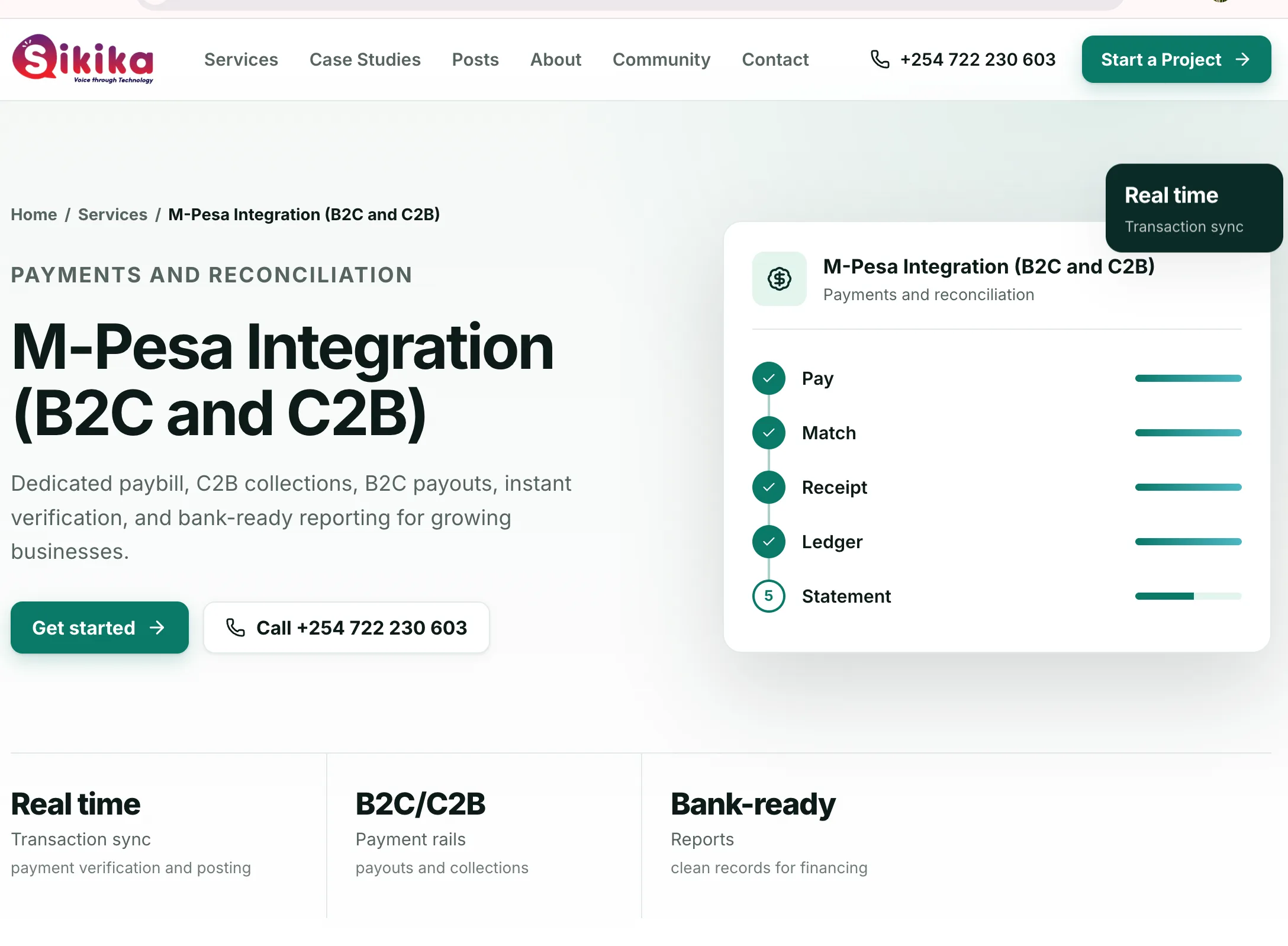
- M-Pesa API integration (C2B, B2C, STK push)
Talk to Sikika Softwares
Sikika Softwares Limited is based at Watermark, Nandi Road, Karen, Nairobi, and works with clients across Kenya. Most of the build, training and support happens remotely, and we visit on site when the work needs it.
- Call or WhatsApp: +254 722 230 603
- Email: [email protected]
- Book a demo or ask a question: Contact us